Secrets in 1Password.
Apps that just run.
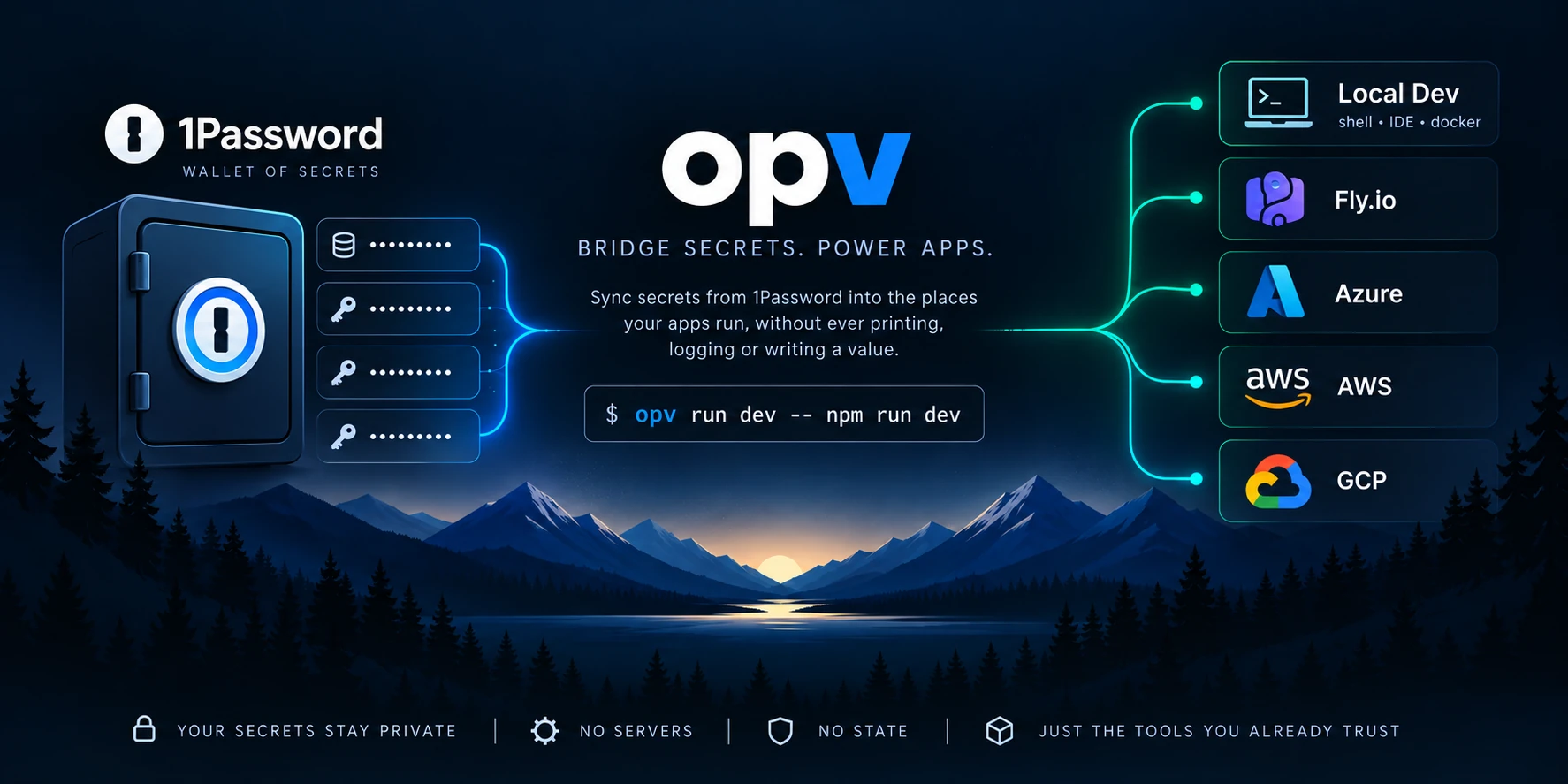
opv syncs secrets and settings from 1Password into the places your apps run, without ever printing, logging or writing a value. No server, no state, no encryption of its own.
$ npm install -g @matthew-cochran/opv$ opv run dev -- npm run dev # your app, with dev's settings as env vars $ opv status prod prod: 2 keys · 0 saved · 0 skipped · 2 findings PRODUCT KEY KIND STATE api LOG_LEVEL config failed enum api OPENAI_API_KEY secret missing Next: opv open api/LOG_LEVEL --env prod $ opv plan prod plan 412a5b23 (1Password item v7) $ opv sync prod --deploy --expect-plan 412a5b23
How it works
1Password owns the values. Your runtime consumes them. opv connects the two.
Values travel only on stdin to the official op and target CLIs, or in your app's environment. They never land in argv, files, logs, errors or CI output.
1Password vault · myapp-prod
- DATABASE_URL••••••••
- OPENAI_API_KEY••••••••
- STRIPE_SECRET_KEY••••••••
- LOG_LEVEL••••••••
- Your shell (opv run)
- Fly.io
- GitHub Actions
- Azure Key Vault + Container Apps
- Kubernetes
- 01
Declare
A small configuration of IDs, key names, kinds and rules. Never values. It lives in 1Password next to the secrets, or in a committed secrets.toml.
opv init dev --from .env - 02
Check
Every value is checked against its rules before it ships. Problems come first, each with its reason, a link to the item, and one runnable Next: command.
opv status prod - 03
Review
The plan says what a sync would write, hold and prune, with a plan id that covers names, states and versions, never a value.
opv plan prod - 04
Apply
Apply exactly the plan you reviewed, or nothing. Nothing is deployed without --deploy and nothing is deleted without --prune.
opv sync prod --deploy --expect-plan <id>
Security model
Values stay out of your tooling.
The configuration says where each value lives and the rules it must pass. Only 1Password ever holds the value, and the 1Password app is the only place one is typed.
# a failing CLI's stderr, as opv shows it (illustrative)
error: token __SECRET__ was rejected
# what a status row looks like
api STRIPE_SECRET_KEY secret saved ••••
The model, and its documented limits, are in the usage guide. Report vulnerabilities privately per SECURITY.md.
No command prints a secret
Values are held in redacting, zeroizing types. --json documents hold names, states and counts only.
stdin or a child's environment, nothing else
Never argv, files, logs, errors or Debug output. opv run passes op:// references, so op run masks values in your app's output.
Scrubbed failures
When a CLI fails, its last few stderr lines are shown with every known value and secret-shaped token masked as __SECRET__.
Least privilege by default
Deploy credentials are a least-privilege identity per environment. opv access warns when CI has no read-only reader, or a service account can write.
Features
Explicit, never surprising.
No prompts in automation, --json on every reporting command, stable error codes, and every failure ends with one runnable Next: command.
opv ui
new in 0.6A terminal UI over every environment, product, key, shared value and account. Secrets show as ••••; every action is the exact opv command, shown before it runs.
Start from a .env
new in 0.6opv init dev --from .env --apply declares every key and imports the values, read back and verified, in one step. No value is printed.
Personal keys
new in 0.6personal = true keeps each developer's own value, like an LLM key billed to them, in their own vault. Never deployed or mixed with team values.
Settings health
new in 0.6Warns about the same secret in two environments, placeholders, stray whitespace, localhost in a deployed environment, and test or live keys in the wrong place.
Delivery receipts
new in 0.6Each confirmed sync records an opaque revision per product. opv delivery verify says whether the target still holds exactly what was delivered.
History and access
new in 0.6opv history shows what opv last wrote and what changed outside it. opv access shows who can read each vault, people counted, never named.
Typed and checked
Each key declares its kind, secret or config, and rules such as prefix, base64_bytes, enum and https_url. A bad value fails with the key, the rule and a reason.
Shared values, one home
from = "product/KEY" points many keys at one value, so it has one copy and one place to rotate.
Safe to re-run
Reads are retried, writes are checked, and an interrupted run converges when you run it again. Exit 9 means: re-run as is.
opv ui
Everything opv knows, in one screen.
Browse environments, products, keys, shared values and accounts. A sync runs exactly the plan you reviewed; a guarded environment only after you type its name. Sign-in and value entry hand off to 1Password.
ssync via plan and --expect-planireview values to adopt, key by keyhwrite history ·oopen in 1Password ·nnext step
Without an interactive terminal, or with OPV_UI_TEXT=1 for screen readers, it prints opv ready. More
PRODUCT dev staging prod
api 6/6 6/6 5/6 ·1
web 3/3 3/3 3/3
worker 2/2 not here 2/2
NEEDS ATTENTION
prod api/OPENAI_API_KEY missing ••••
Next: opv open api/OPENAI_API_KEY --env prod
Targets
Same commands, every target.
Each environment names one target, and every command is the same for all of them. Local development needs no target at all.
On Azure and Kubernetes a secret is written as a new version, and the app keeps the old one until sync --deploy. Target configuration
| TARGET | STATUS |
|---|---|
| Fly.io | supported |
| GitHub Actions (repository and environment secrets and variables) | supported |
| Azure Key Vault + Container Apps | supported |
| Kubernetes (Secrets + Deployment) | supported |
| Azure Key Vault → Kubernetes (External Secrets Operator) | supported |
| Azure App Service | planned |
| AWS (Secrets Manager + ECS) | planned |
| GCP (Secret Manager + Cloud Run) | planned |
For AI coding assistants
Your assistant sets it up. It never sees a secret.
The agent skill, versioned with the binary, starts every Claude Code, Codex or Cursor session from opv guide agent, opv schema and opv ready --json. It asks before anything that writes, and hands sign-in and value entry to you.
$ opv skill install --userPoint your assistant at opv.dev/INSTALL.md or the agent setup guide.
$ opv ready --json
{
  "receipt_id": "rcpt-3f9a1c0d2e7b",
  "findings": [
    { "code": "key_missing",
      "scope": { "environment": "staging",
                 "product": "api", "key": "STRIPE_KEY" },
      "blocking": true,
      "actor": "owner",
      "effect": "writes_1password",
      "prerequisite": "opv open api/STRIPE_KEY --env staging",
      "verify": "…" }
  ]
}
# illustrative excerpt: names, states and next steps, never values
Install opv
macOS, Linux, WSL and Windows. npm picks the prebuilt binary for your system; the command is opv.
$ npm install -g @matthew-cochran/opv$ curl -fsSL https://raw.githubusercontent.com/matt-cochran/1password-vault/main/install.sh | shThe script needs no Node.js, installs to ~/.local/bin without sudo, and verifies the download against the release's SHA256SUMS (and its attestation when gh is present). You also need the 1Password CLI.